

You can change the volume and play, pause, and stop your audio with the controls that are on the Lock Screen or in Control Center on your iPhone or iPad. Drag the volume slider for either set of headp
hones, or drag the volume slider at the bottom to control the volume of both headphones. You and your friend can also control the audio with the controls on your headphones. If you change the volume with headphone controls, only those headphones are affected.
LikeShareFollow


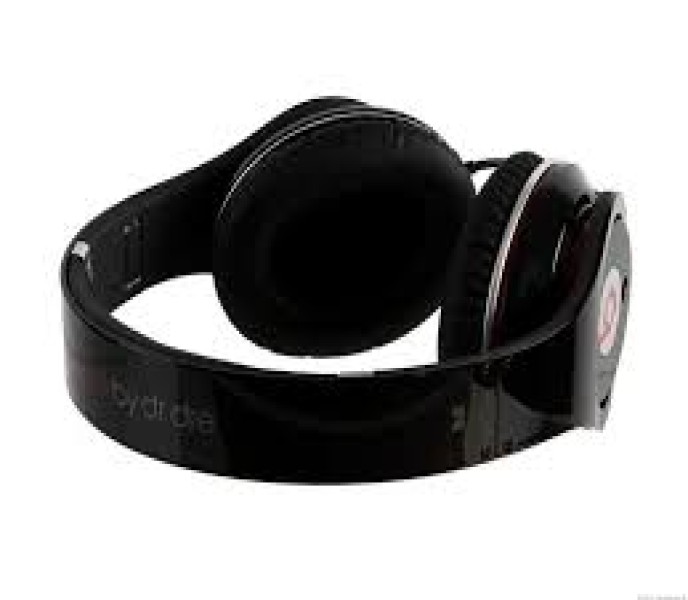
| Beats by Dre |
| With the latest version of iOS or iPadOS, you and a friend can both listen with AirPods or Beats wireless headphones to audio from your iPhone or iPad. |
| You can change the volume and play, pause, and stop your audio with the controls that are on the Lock Screen or in Control Center on your iPhone or iPad. Drag the volume slider for either set of headphones, or drag the volume slider at the bottom to control the volume of both headphones. You and your friend can also control the audio with the controls on your headphones. If you change the volume with headphone controls, only those headphones are affected. |
Trusted Seller
| ||||||||||


